Choose your chef
Find your favourite kitchen hero.
Grab your pan. Dodge the dinner rush.
Build your own recipe for survival.
Available now for Android

Find your favourite kitchen hero.
Mix weapons, discover evolutions.
Face food hordes and hungry bosses.
The ingredients have other plans. Steer your chef through food-filled arenas, collect upgrades and combine kitchen weapons into surprising evolutions. Every run is a new recipe.
Explore different kitchens, meet their bosses and grow your collection of chefs and equipment. The core game works offline, with no account required.
Meet your player accountReal screens from the game. Future updates may change the experience.
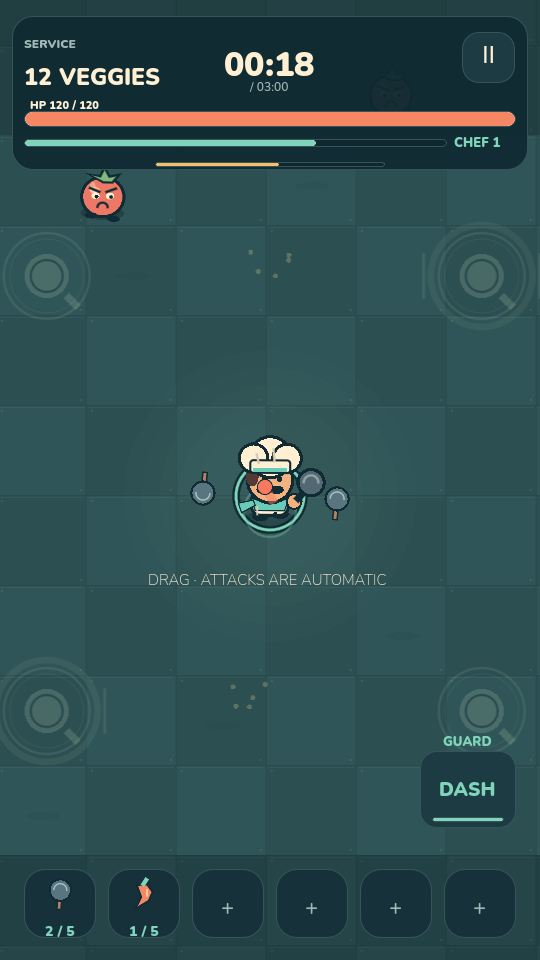
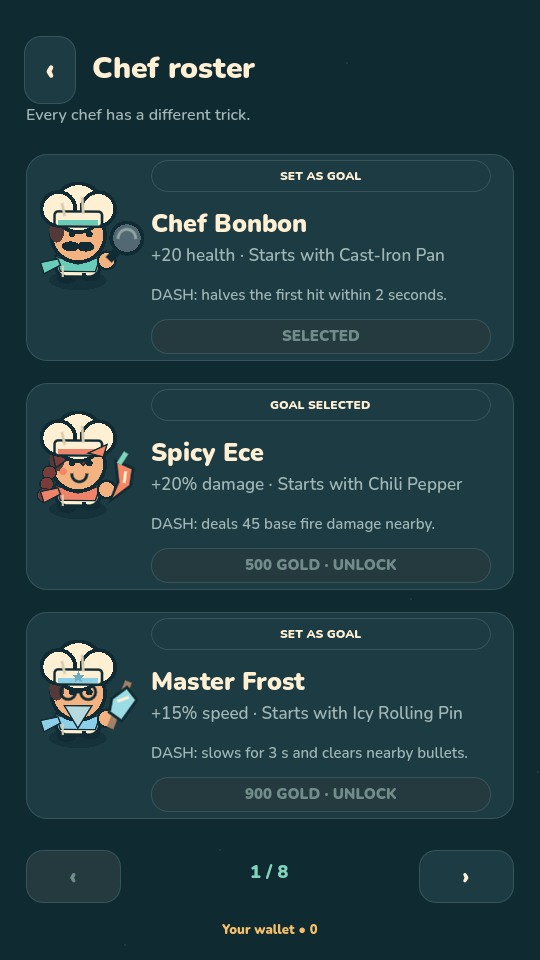
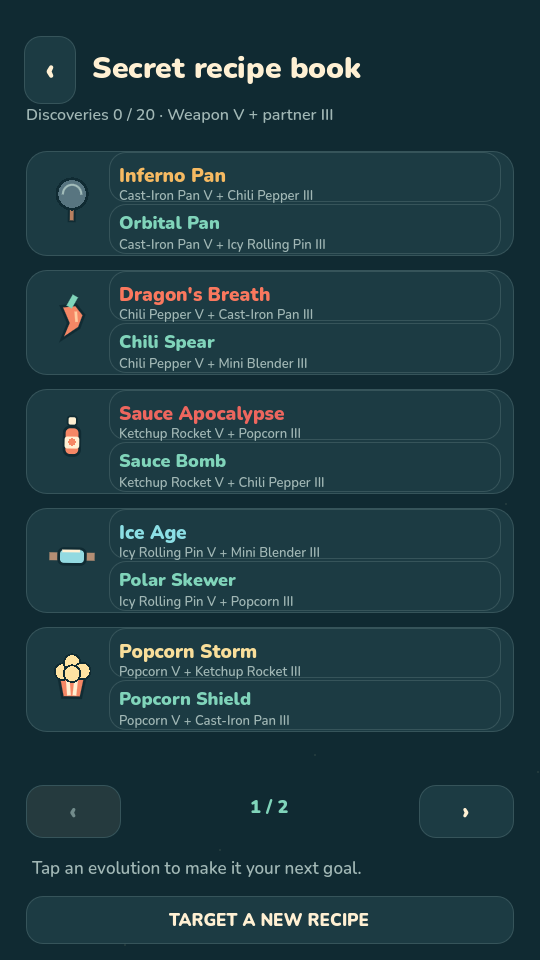
Kitchen Revolt is available now for Android. Download it from Google Play.
Yes. Core gameplay and earned progression work offline. An internet connection is needed for Google sign-in, cloud backups, support requests and purchase verification.
Adult players can sign in with Google and choose when to upload or restore in Account & Cloud. Backups are manual. Your guest save stays separate on the device; loading a cloud save replaces that account's local progress and current run after confirmation.
Adult players can buy optional cosmetic outfits. No gold, combat power or paid random rewards are sold. Google Play supplies local prices and handles payment.
Use the same Google Play account and Kitchen Revolt account, connect to the internet and select Restore purchases in Account & Cloud. Paid outfits are verified online for each session; the classic outfit remains available offline.
In-game accounts, ads and real-money purchases are disabled for players under 18 and players who leave their age unspecified. Free progression remains available. Their saves stay on the device, so removing app data removes that progress.
Use Delete account on this website or the game's Account & Cloud screen. For questions, email our support contact. Please include the game version and device model, never passwords or payment-card details.